

Our own product · Case study · 3 min read
A household app that works without signal
ShelfSync is our own app: one shared list of what a household has, where it is and when it goes off. It isn't released yet, so this is a note from the middle of building it.
- Type
- Mobile app and backend
- Built with
- Flutter, Go, Postgres
- Our part
- All of it
The problem
Everyone in a house keeps a different picture of what's in it. One person knows there are two tins of tomatoes at the back of the cupboard, another buys a third. The same goes for the box the winter gloves went into. We wanted one list the whole household shares, and one that still works in a cellar or a supermarket with no signal.
What we built
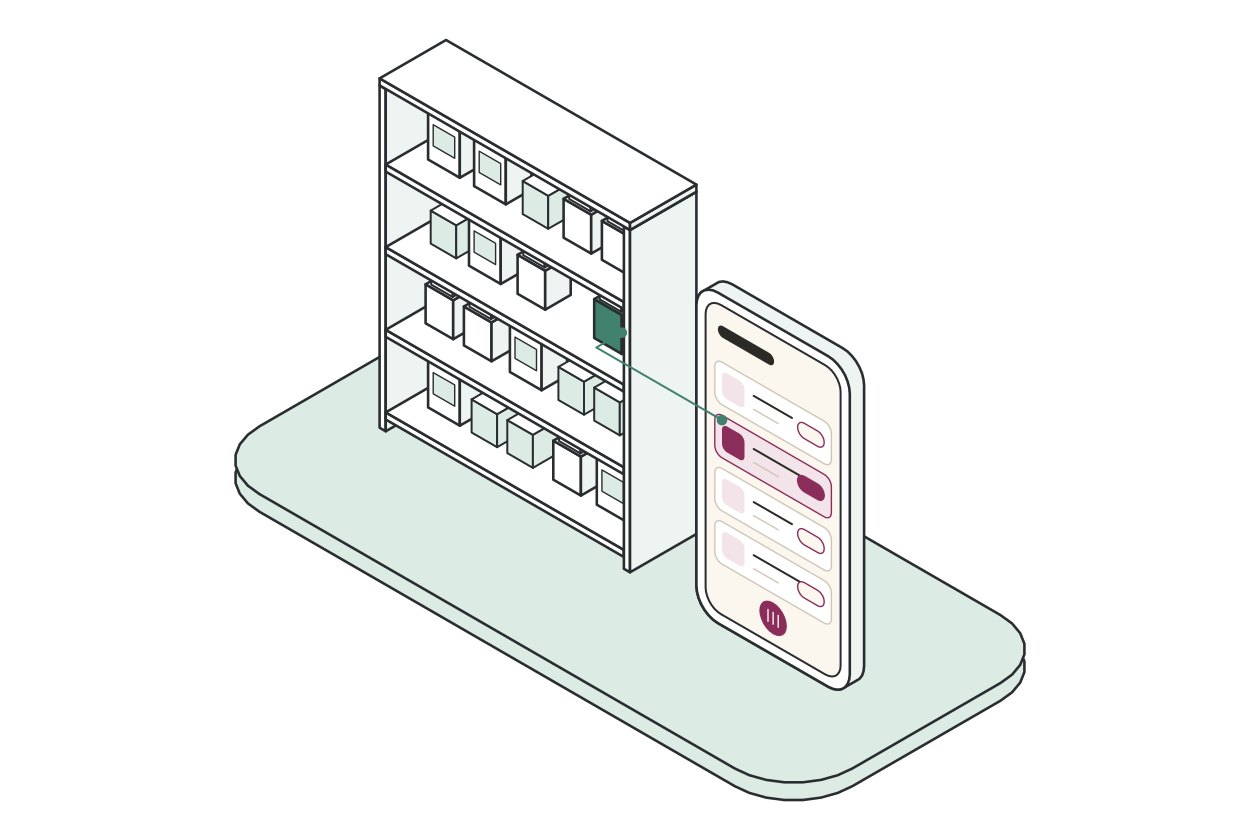
A phone app and a server. You scan a barcode, the app suggests what the thing is and roughly how long it keeps, and it goes on the shelf it lives on. There is a shared shopping list, expiry dates worth a glance, and a search that answers "which box is it in". A household shares one home through an invite code.
The hard part
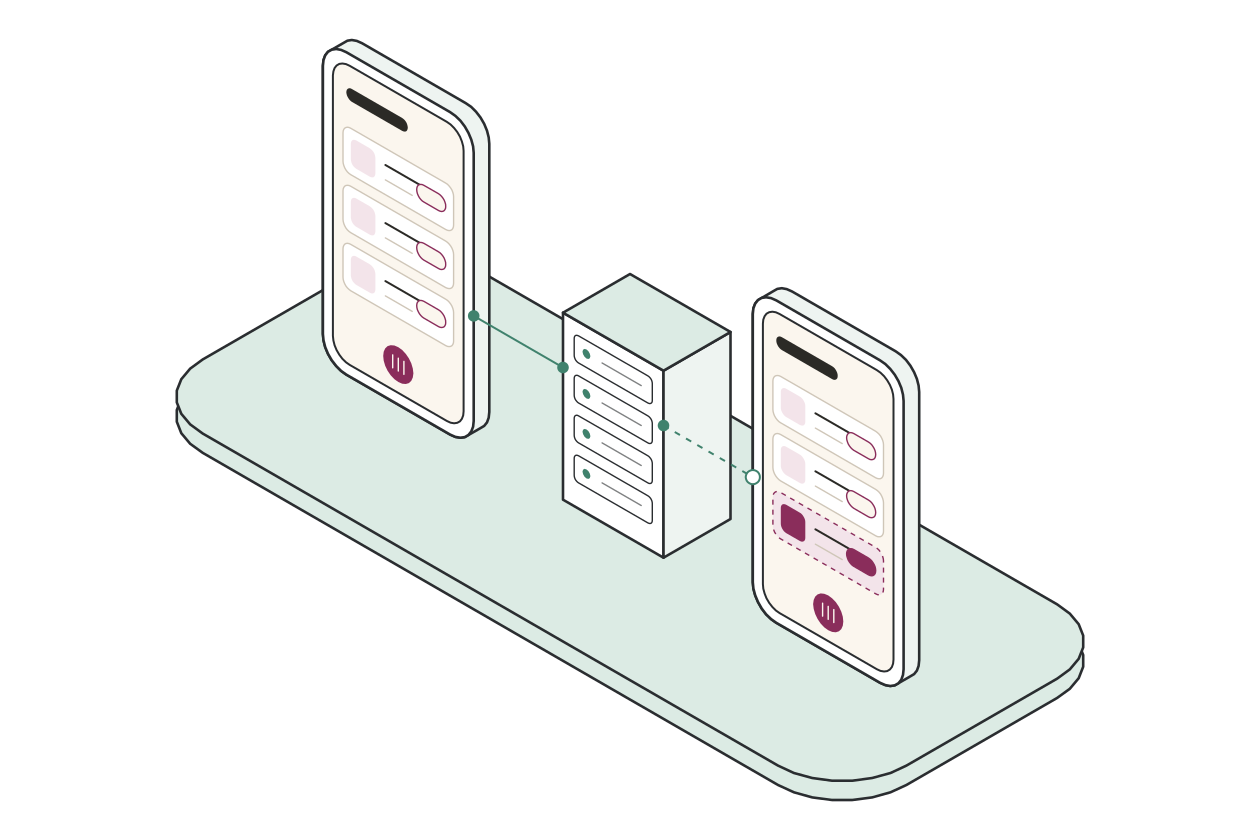
- Working offline. The phone holds a full encrypted copy and syncs when it can. Each household has its own version counter, and the server never hands out half of someone's changes.
- Keeping households apart. The database itself refuses to show one household's rows to another, so a mistake in our code can't leak them. The server won't start if that protection is switched off.
- A real phone is slower than a simulator. Switching tabs stuttered until we stopped redrawing every icon on each colour change and stopped rebuilding the whole app on every sync.
What a barcode doesn't tell you
A barcode is only a number. To turn it into a name, a size and a shelf life we look it up in Open Food Facts, a free product database filled in by volunteers. It knows a great many products and describes a lot of them badly. We scanned a can of Pringles and it came back as "KRYDDAD SNACK MED SMAK AV KRYDDIG SÅS": Swedish for a spiced snack that tastes of spicy sauce, typed in capitals.
We can't fix that database from here, and building our own would be a company in itself. So the app is built to make something decent out of a poor answer.
- Read the code properly first. The scanner checks the barcode's check digit and waits for two reads that agree before it looks anything up. Point it at a QR or batch code and it asks for the striped one instead.
- Take the best name on offer. A name in your language wins. If the entry only repeats the foreign one, the app leads with the brand, so the can reads "Pringles". Names typed in capitals go back to sentence case, and a size like "120g/4,23 OZ" becomes "120g".
- Work the rest out from what the thing is. The database lists categories from general to specific, so we read them from the specific end, and in a name the last word decides: chocolate biscuits are biscuits, milk chocolate is chocolate. That gives a shelf to put it on and how long it keeps, sealed and once opened.
- Never get in the way. If the barcode isn't known, or the lookup can't reach the server, the app says so, keeps the barcode and lets you type the name. The same guess then runs on what you typed.
- Keep a record. Every lookup is logged with what it returned, so we can see which answers were poor.
None of this makes the data any better. It means the app holds up when the data is bad.
Where it is
Running on our own test phone. It isn't in the stores yet and the server isn't public. We'll write more when it is.