

v2.2 Small, and growing every day
Motion, out of thin air.
Our CSS library for entrances, scroll-linked motion, hover and cursor effects. Add a class and it moves, the same in every modern browser.
npm i https://github.com/thinair-studios/aero/archive/refs/tags/v2.2.0.tar.gzMIT licensed. 5.9 KB of CSS and an optional 9.2 KB script, gzipped, with no dependencies. It gets a new effect whenever one of our projects needs one.
peak grow-up · curls fade-right · letters fade-upWhy we built it
Our site's page transitions broke in Firefox and Zen, the browsers that can't animate between pages yet. We wanted them to look the same everywhere, not only where the newest CSS runs.
We already had a small stylesheet of entrances from an older site. We grew it into one library both sites use, with a small script that fills in whatever a browser is missing.
Now every animation on thinairstudios.dev is Aero, and Aero gets a new effect whenever one of our projects needs something it can't do yet. That's how it got exits, dialogs and page transitions this week.
- BeforeOne stylesheetA handful of entrances and hovers, copied from site to site.
- 19 Nov 20262.0, open sourceSplit into modules, MIT licensed, tested in three browsers.
- 19 Nov 20262.1, pinned scrollSections that stay in place while their contents move.
- 20 Nov 20262.2, coming and goingExits, dialogs, page transitions, text, numbers and more.
- A class is the APIAdd aero-fade-up and it moves. Every setting is a custom property with a sensible default.
- The same in every browserNative CSS where the browser has it, a small script where it doesn't, and the motion matches.
- Small on purposeNo dependencies, and every module can be loaded on its own.
Every effect
Grouped by module. Click a class to copy it, or a module to see it move.
Entrances →
Things arriving as they come into view, one after another if you like.
Exits →
Things leaving, and Aero.leave() to remove them once they've gone.
Dialogs and drawers →
Dialogs, drawers and popovers that animate open and closed, in CSS.
Scroll →
Animation tied to the scroll position, including sections that stay pinned.
Hover →
Lifts, nudges and shifts on hover and keyboard focus, never stuck on touch.
Cards and accordions →
Cards that flip over, and details that open and close smoothly.
Cursor →
Tilt, light and parallax that follow the pointer.
Attention →
Shake, pop, spin, pulse, ping, bounce and float.
Text and numbers →
Words and letters entering one by one, a hover wave, and numbers that count up.
Pages and layout →
Page transitions and layout changes, through the browser's View Transitions.
Timing →
Duration and easing presets for everything above.
Nothing called that yet. Ask for it on GitHub
Every entrance in its place
Each variant on the kind of element it was made for. They play as they come into view, and every one can be replayed.
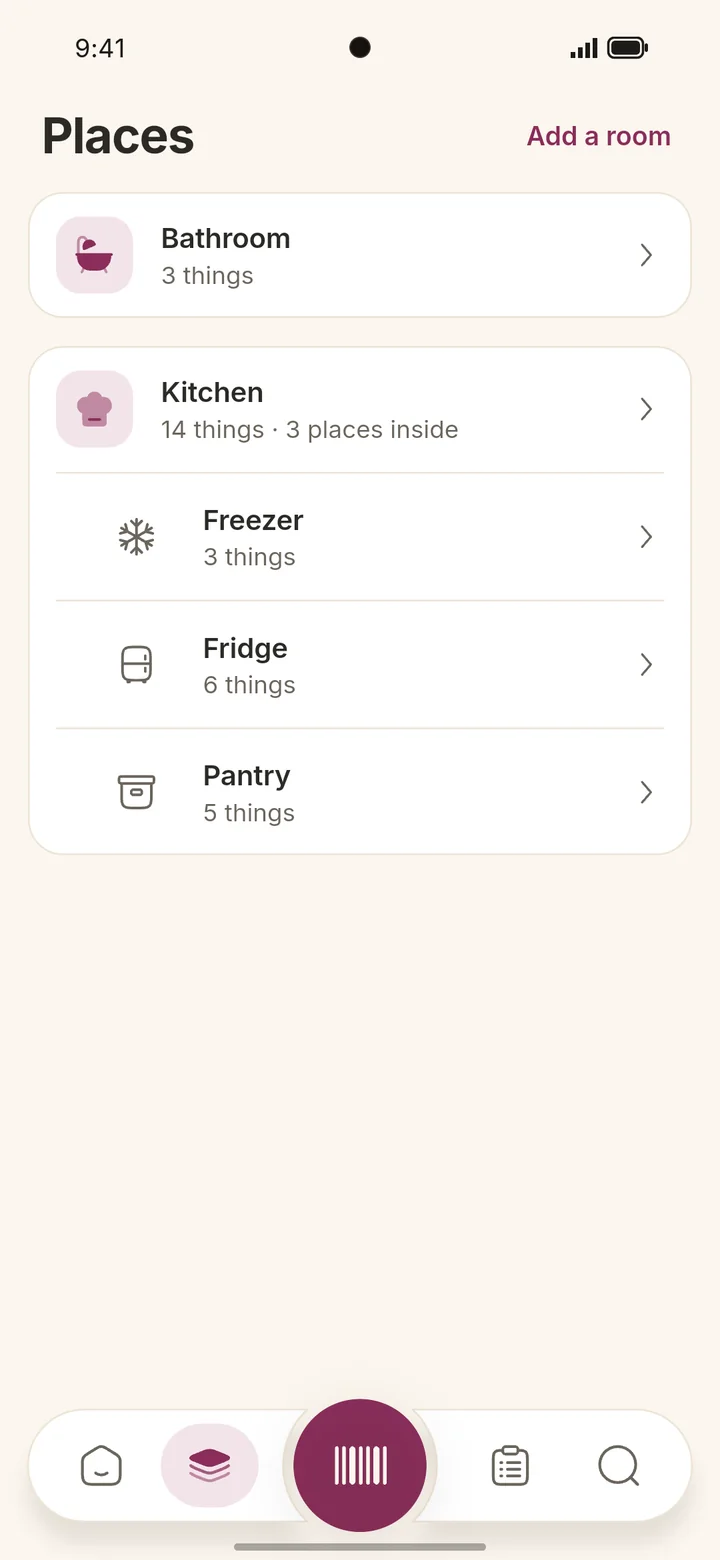

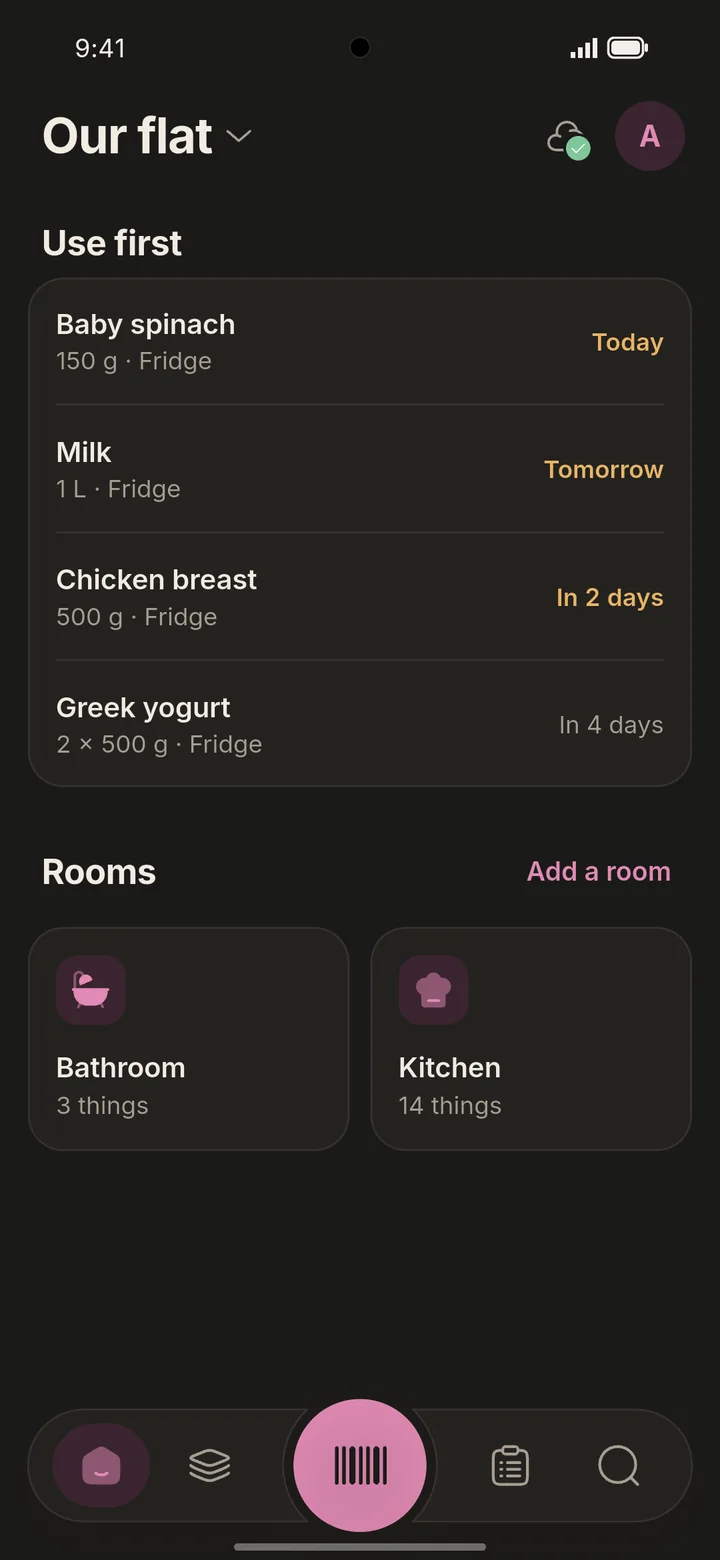
fan-left · fan-right · liftA stack of cards or screensUS truckingDriver pay that adds up
A payslip that disagreed with itself, and a tool that finds pay that never reached it.
fade-upHeadings and text ShelfSyncnowOat milk was added to Groceries.
fade-downNotificationsSample chart
grow-upBars and columns- Does it work without signal?
- Yes, the route is saved on the phone.
- Perfect, ship it.
fade-right · fade-leftMessages from both sides
fade-inPicturesDiscard this draft?
You can't undo this.
scale-upDialogs and popoversUploading 3 files
- route-plan.pdf
- proof-of-delivery.jpg
- rate-sheet.xlsx
grow-rightProgress and timelinesComing and going
Exits, and dialogs, drawers and popovers that animate open and closed. They're real: open them.
aero-dialogDialogsaero-drawerDrawersaero-popoverPopovers and menusaero-leave-rightToasts that leaveMotion that follows the scroll
Add aero-scrub and an animation follows the scroll instead of the clock: scroll back and it rewinds. The bar along the top of this page is one, aero-scrub-root with grow-right.
The phones below stay pinned while they fan out: aero-track on the section, aero-scrub-track on the phones.
aero-scrub aero-drawOur peak, drawn line by line as it scrolls into view.<section class="aero-track">
<div style="position: sticky; top: 0">
<img class="aero-scrub aero-scrub-track
aero-fan-left"
style="--aero-scrub-range:
contain 10% contain 80%">Arrive, hold, step back
On a list, each row comes in, holds in the middle of the screen and steps back as the next one takes over. It's how the work list on our homepage reads.
<li class="aero-scrub aero-pass"
style="--aero-scrub-range: cover 0% cover 100%">- Driver pay that adds up →US trucking
- Dispatch and freight platform →US trucking
- Driver app with live GPS tracking →US trucking
- Driver safety scoring →US trucking
- A model that reads blueprints →Furniture manufacturing
- An in-house HR platform →Human resources
- Battery storage telemetry →Smart city
- A household app that works without signal →Our own product
Hover, focus and touch
These are pieces of our homepage with the classes that move them. Tab through them too: keyboard focus moves them the same way, and on touch nothing stays stuck after a tap.
Web platforms
Dashboards, portals and internal tools. Laravel, Vue, React.
See it inDispatch and freight platform→Mobile apps
React Native, with native iOS and Android code where it matters.
See it inDriver app with live GPS tracking→Backends
APIs, realtime over WebSockets, document generation, integrations.
See it inDriver pay that adds up→Data and AI
Reports over large datasets, and AI features that answer from your own data.
See it inA model that reads blueprints→
li.aero-hover-group · picture: aero-hover-target aero-hover-rise · arrow: aero-hover-target aero-hover-nudge
plate: aero-hover-shift · buttons: aero-hover-lift-sm, aero-hover-scale
card: aero-flip with aero-front and aero-back · underlines: drawn on hover, a bar at the side, shown until hover
Follows the pointer
Wrap an area in aero-cursor and aero.js tracks the pointer over it. Tilt and a soft light react to it, and parallax layers move at their own depth. On touch screens they rest.
aero-tilt · aero-spotlightaero-parallax-sm · aero-parallax-lgAttention
Small effects that draw the eye: once for an error or a change, or looping while something is going on.
aero-shakeErrorsGroceries3aero-popChangesSyncing your list
aero-spinLoadingaero-pulseWaitingTracking live
aero-pingLive
aero-floatRestingaero-shimmerContent on its wayaero-bounceLook here- US trucking Driver pay that adds up
- US trucking Dispatch and freight platform
- US trucking Driver app with live GPS tracking
- US trucking Driver safety scoring
- Furniture manufacturing A model that reads blueprints
- Human resources An in-house HR platform
- Smart city Battery storage telemetry
- Our own product A household app that works without signal
aero-marqueeTickers and logo rowsText and numbers
Split a heading into words or letters and each piece enters on its own. Numbers count up when they come into view, every time they do.
Small, and growing every day.
aero-split · aero-wipe-updata-aero-split="letters"- of CSS, gzipped
- 5.9 KB
- of script, gzipped
- 9.2 KB
- classes and attributes
- 86
- browsers they run in
- 3
- Driver pay that adds up →
- Dispatch and freight platform →
- Driver app with live GPS tracking →
- Driver safety scoring →
Hover a title: its letters rise one after another. aero-split · aero-hover-wave · stats: aero-count aero-repeat
Layout changes
Change the order inside Aero.swap and every card moves to its new place.
Aero.swap(() => …) · .aero-morph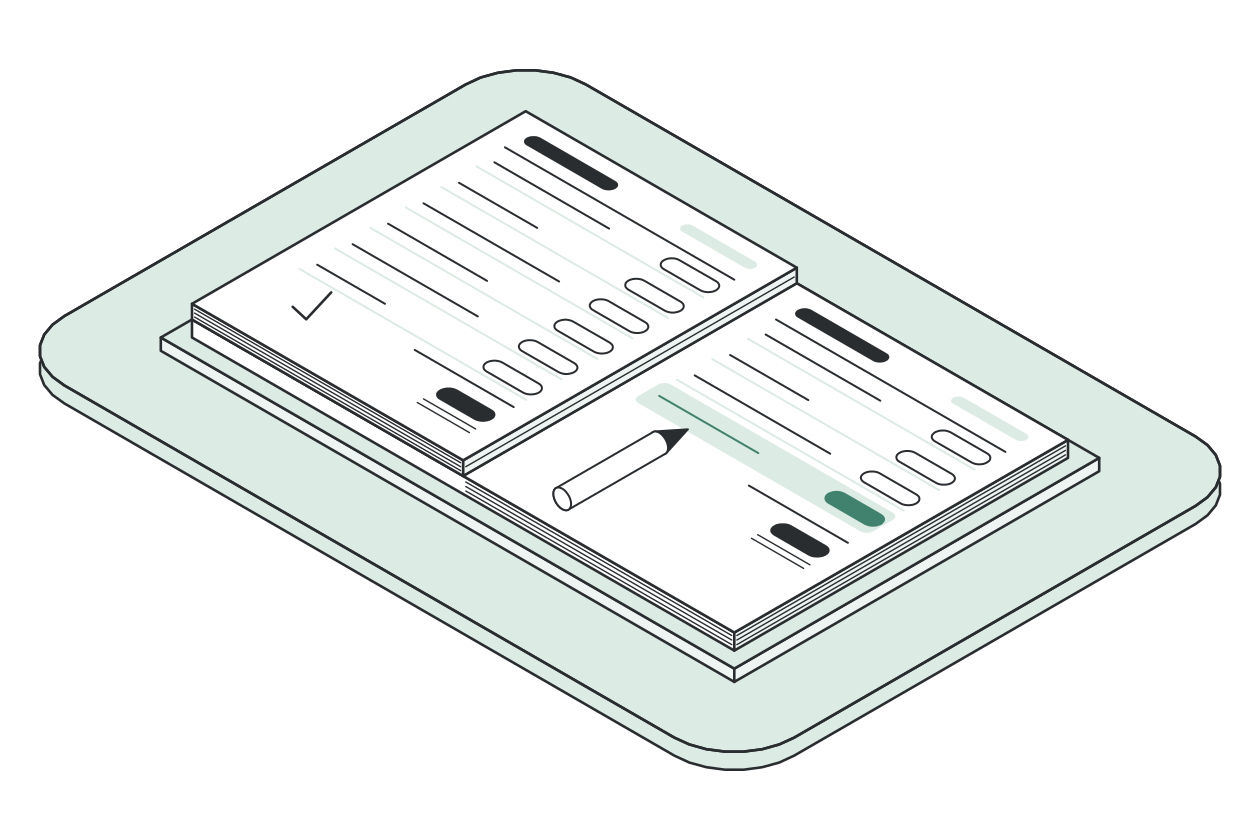 US truckingDriver pay that adds up
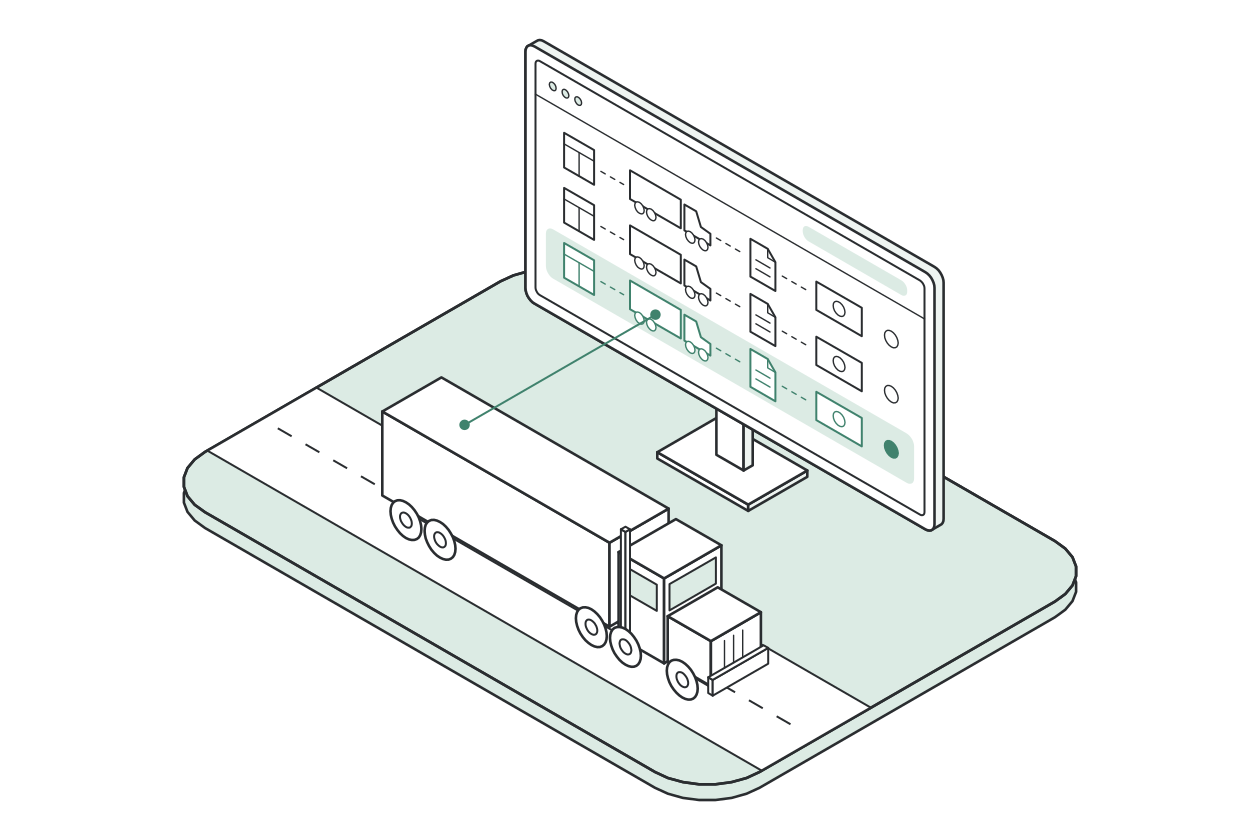 US truckingDispatch and freight platform
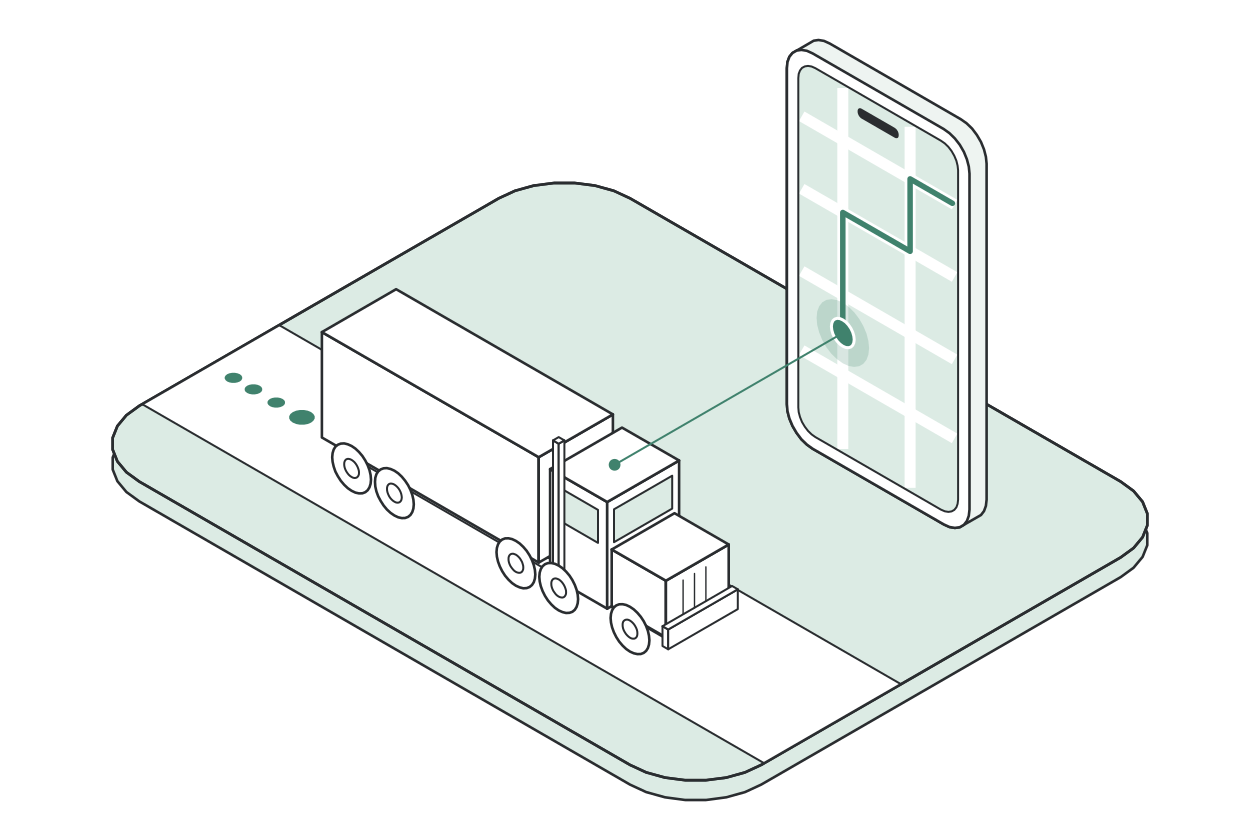 US truckingDriver app with live GPS tracking
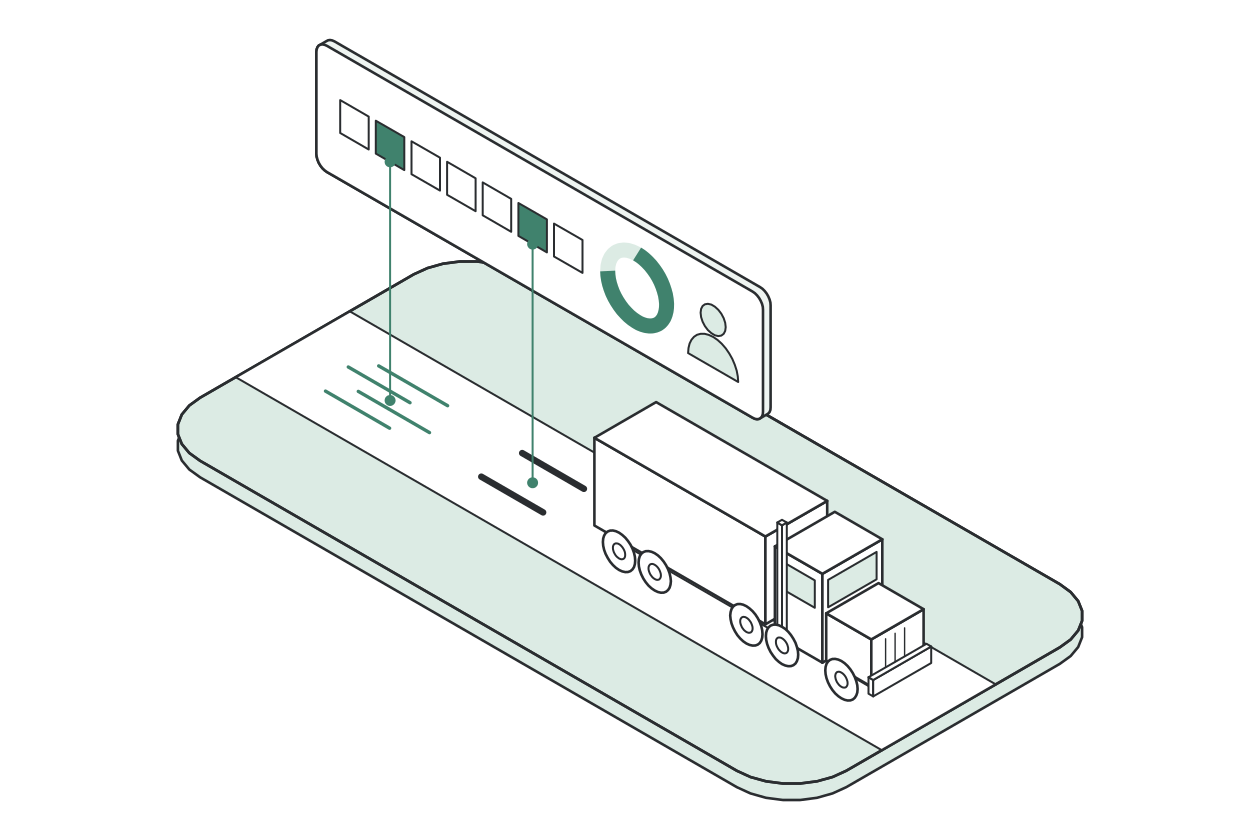 US truckingDriver safety scoring
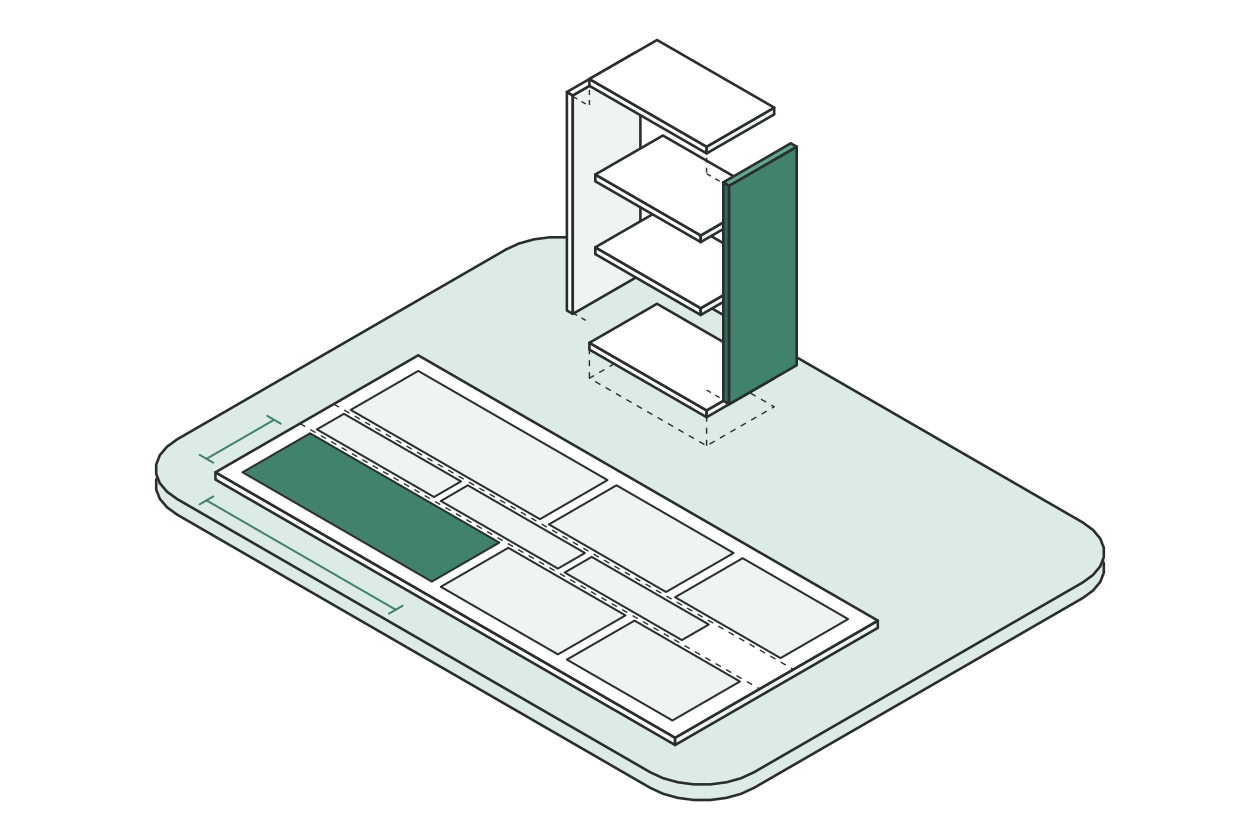 Furniture manufacturingA model that reads blueprints
 Human resourcesAn in-house HR platform
 Smart cityBattery storage telemetry
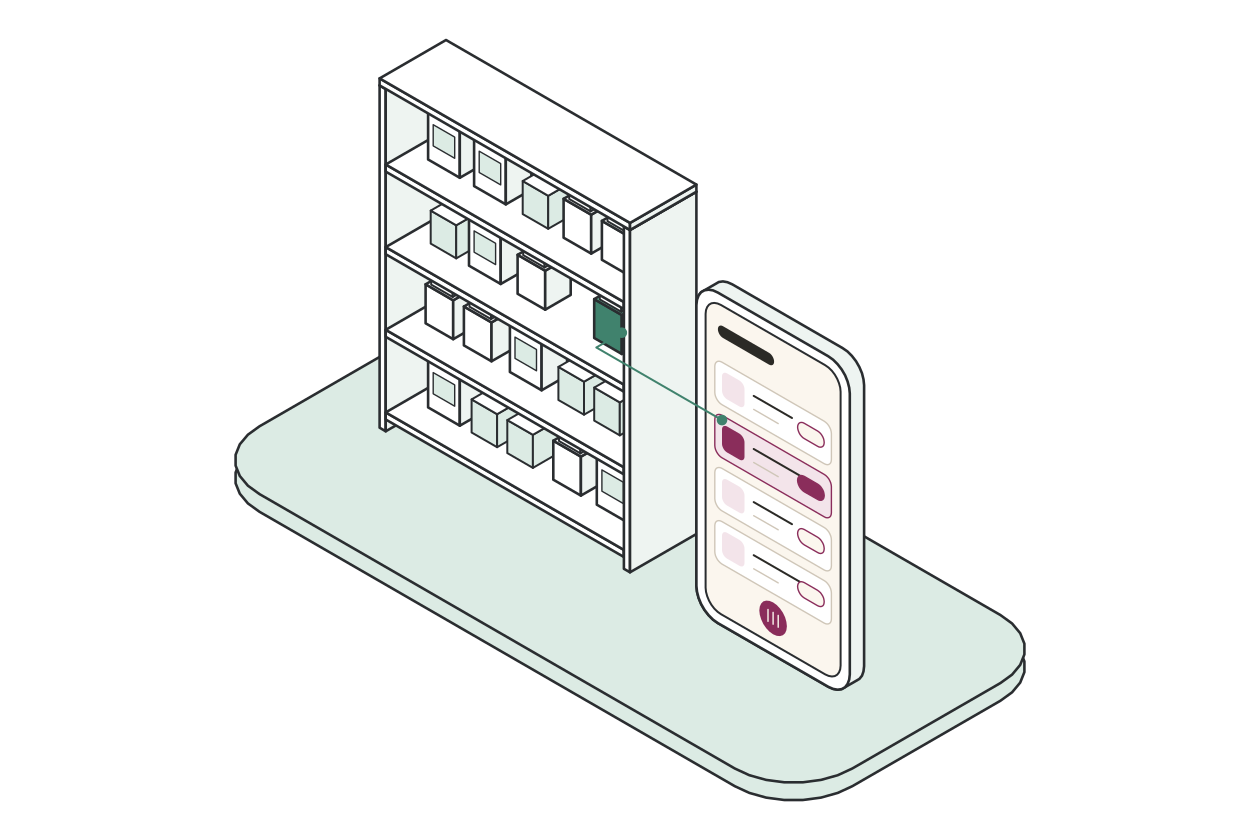 Our own productA household app that works without signal
Between pages it's Aero too. You probably came in through a reveal: the page grew out of the link you clicked, and going back closes it there. ShelfSync and the case studies slide over the homepage like sheets. ← Back to the studio
Tune it yourself
Pick a variant, set its timing and watch the cards replay. The code underneath is exactly what you'd write.
Your settings


Aero's defaults
<ul class="aero-stagger">
  <li class="aero-enter aero-fade-up">…</li>
</ul>Used on our own site
Aero isn't a side project next to our work. It's what our work moves with.
- The homepage →The header that glides as you scroll, the work list that arrives and steps back, pictures that rise on hover.
aero-scrub-root · aero-pass · aero-hover-rise - ShelfSync's page →Phones that fan out of a stack as you scroll, and a page that slides in like a sheet.
aero-fan-left · aero-lift · aero-pages.js - The case studies →Pages that slide in over the homepage, and a drawer that opens from the right.
data-aero-page · aero-drawer - This page →Every demo on it, and the reveal you came in through.
data-aero-transition="reveal" · and the rest
Why not something else?
There are great libraries already. Here's honestly where each one fits, and where Aero does.
- Animate.css
- Use it when you want a big set of ready-made keyframe effects with no setup at all.
- AOS
- Use it when all you need is elements animating in as they scroll into view.
- GSAP
- Use it for complex timelines, SVG work and scroll choreography. It does far more than Aero.
- Motion
- Use it in React apps that need springs, gestures and layout animation.
- Aero
- Use it when you want entrances, scroll, hover, cursor, dialogs and page transitions as plain CSS classes, the same in every browser, and you're fine with a young library.
Good to know
Your CSS always wins+
Everything sits in @layer aero, so your own styles override Aero without specificity tricks.
Two prefixes+
Every class works as aero- or the shorter ae-. The runtime adds its state classes in both.
Reduced motion, your call+
Motion plays by default. Add aero-reduce-motion to <html> and visitors who prefer reduced motion see everything still.
Page transitions+
Pages slide over each other with aero-pages.js, back button included. Firefox gets the same direction with aero-arrive.
details.aero-collapse
Get Aero
It isn't on npm yet, because it's still growing. Install it from GitHub, pinned to a release.
- Install
npm i https://github.com/thinair-studios/aero/archive/refs/tags/v2.2.0.tar.gz - Load the styles
@import "aero-css"; - Add the scriptOnly needed for in-view entrances, the scroll fallback and cursor effects.
<script src="node_modules/aero-css/dist/aero.js" defer></script>
What it weighs
Measured gzipped from the package this page runs on. Load everything, or only the modules you use.
aero.min.css- 5.9 KB
aero.js- 9.2 KB
aero-pages.js- 2.4 KB
entrances1.1 KBexits0.5 KBoverlays0.5 KBdisclosure0.6 KBattention1.0 KBtext0.6 KBscroll0.5 KBhover1.2 KBcursor0.7 KBpages1.0 KBarrival0.3 KBcore0.7 KBmotion0.6 KB